Basic 4 · Computing · Generation of Computers
Storage Devices and Output Devices
In this topic you will learn about devices that store data, such as flash drives and memory cards, and devices that give out information, such as monitors and printers.
By the end of these notes you should be able to:
- Explain what a storage device is
- Identify common storage devices and where they are used
- Explain what an output device is and name examples
What you already know
- The four main parts of a computer
- The four jobs of a computer
Copy everything that has a blue line on its left into your notebook. The other parts are for reading.
- Strand
- Introduction to Computing
- Sub-strand
- Generation of Computers
- Indicator
- B4.1.1.1.1 – Identify parts of a computer and technology tools
Introduction
Ama took photos at her sister's birthday with a phone. A week later, she could still see them. Where were the photos kept? They were kept on a storage device. In this lesson we will learn about storage devices and output devices.
1. Storage Devices
Storage device: A device used to keep (save) data and information so it can be used later.
| Storage device | Description | Where it is used |
|---|---|---|
| Hard disk drive | Stores large amounts of data. It is fixed inside the system unit. | Desktop and laptop computers |
| USB flash drive (pen drive) | Small and portable. It is plugged into a USB port. | Carrying files from one computer to another |
| Memory card (SD card) | A very small, flat card. | Mobile phones, digital cameras and tablets |
| CD-ROM / DVD | A round, flat, shiny disc. Data is read using a laser. | Storing music, films and software |
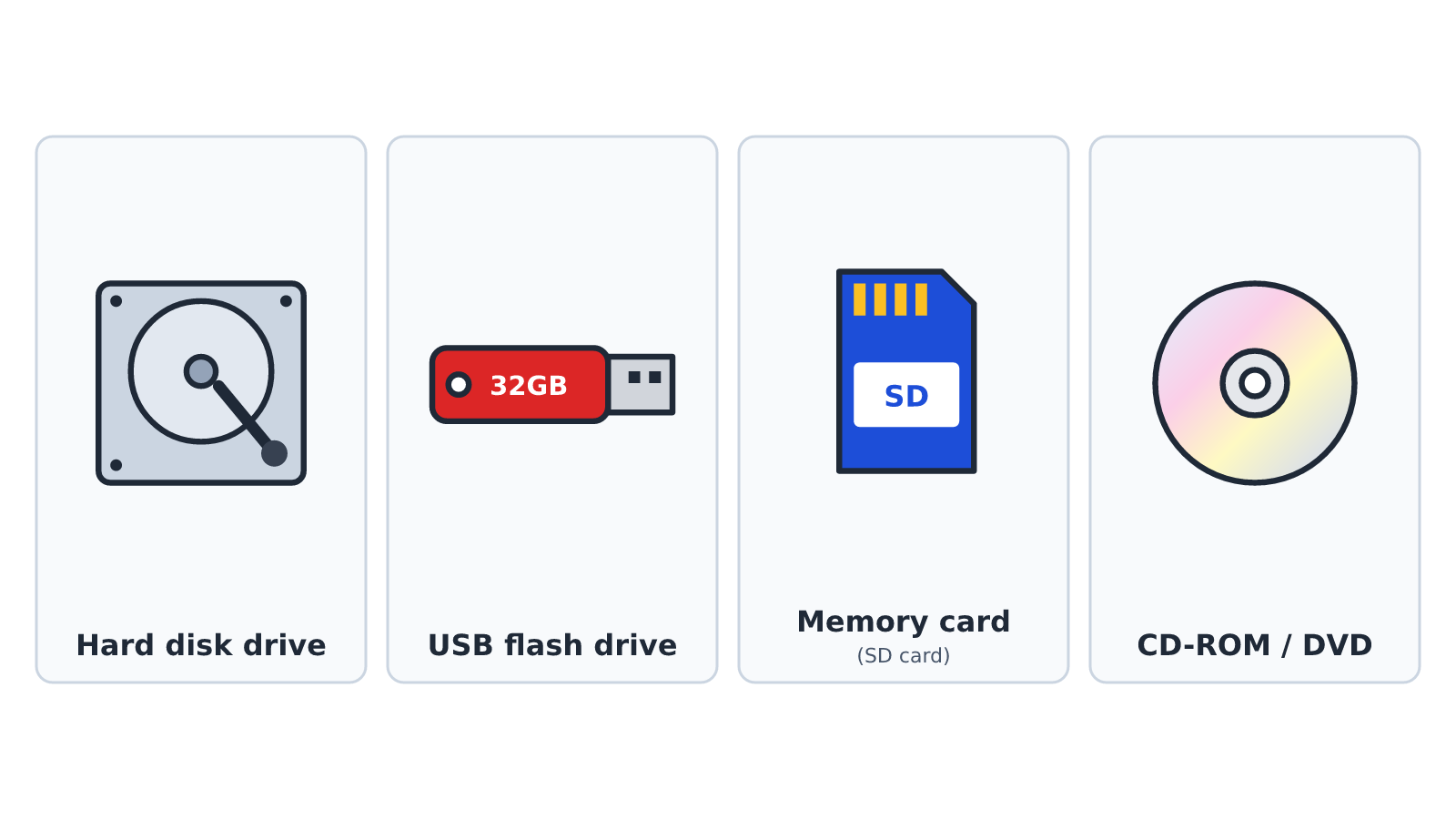
The amount of data a storage device can hold is called its storage capacity. It is often measured in gigabytes (GB). For example, a flash drive may hold 16 GB or 32 GB.
Tip: Do not pull out a flash drive while files are being copied. The files may get damaged.
2. Output Devices
Output device: A device that gives out information from the computer to the user.
| Output device | What it gives out |
|---|---|
| Monitor | Text, pictures and videos on a screen |
| Printer | Text and pictures on paper |
| Speakers | Sound, such as music and voices |
| Headphones | Sound that only the wearer can hear |
| Projector | Pictures from the computer on a large screen or wall |
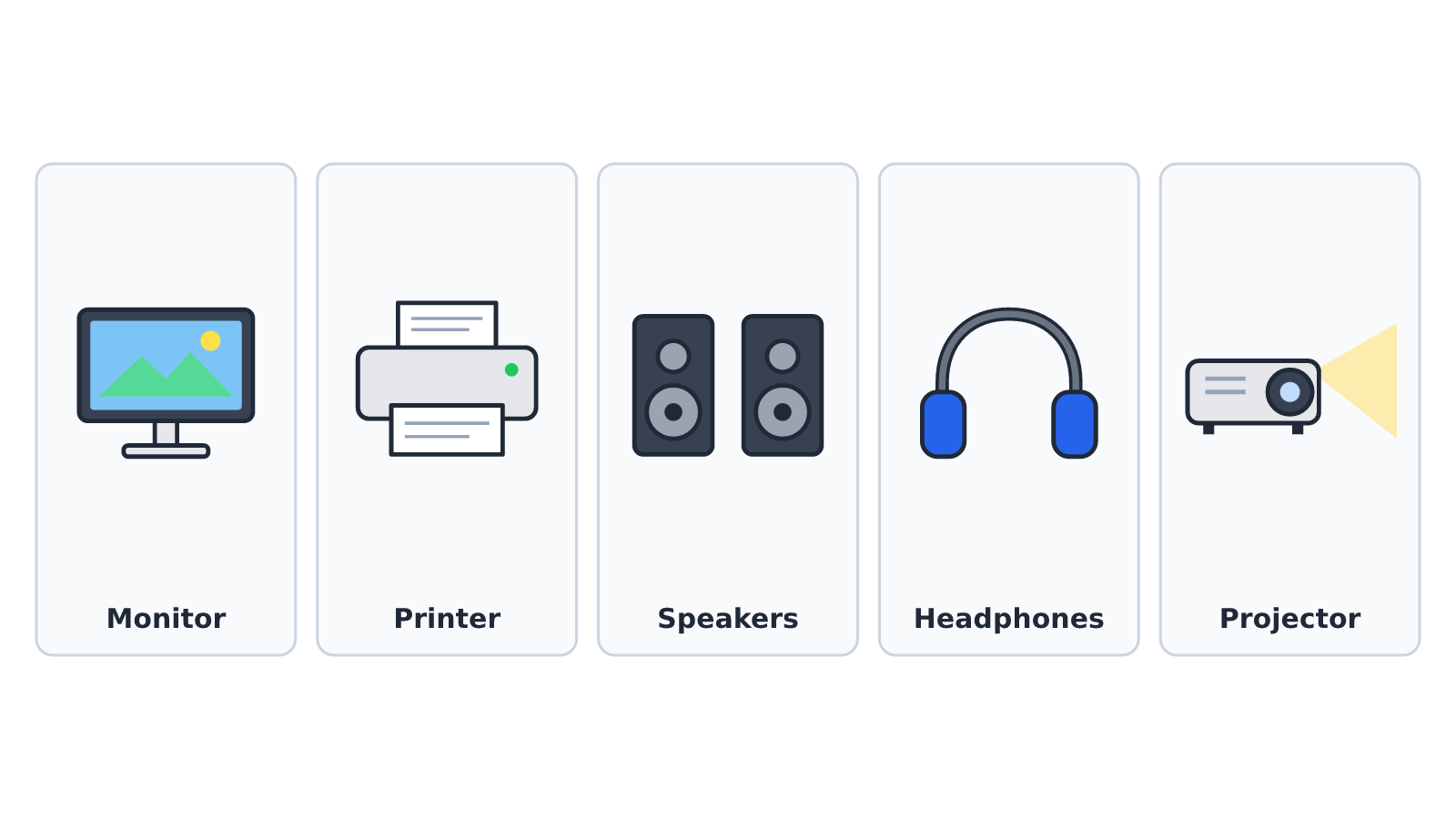
A printed copy on paper is called a hard copy. Information shown on the screen is called a soft copy.
Remember: Storage devices KEEP information. Output devices SHOW or GIVE OUT information.
New words
- Storage device
- A device used to keep data and information for later use.
- Hard disk drive
- A storage device fixed inside the system unit that holds large amounts of data.
- USB flash drive
- A small, portable storage device plugged into a USB port.
- Output device
- A device that gives out information from the computer to the user.
- Hard copy
- Information printed on paper.
- Soft copy
- Information shown on the screen or kept on a storage device.
Summary
- Storage devices keep data and information for later use.
- Examples of storage devices are the hard disk drive, flash drive, memory card and CD-ROM.
- Output devices give out information: monitor, printer, speakers, headphones and projector.
- A printout is a hard copy; what you see on the screen is a soft copy.
Class activity: Store or Show?
- Your teacher will give your group picture cards of different devices.
- Sort the cards into two groups: storage devices and output devices.
- Say one use of each device in your group.
You need: Desktop computer set, Detached keyboard and mouse, Printed picture cards of computer parts
Exercises
Answer in your exercise book first, then check your answers.
1. Which of these is a storage device?
- A. Printer
- B. Flash drive
- C. Speaker
- D. Monitor
Show answer
Answer: Flash driveA flash drive keeps data. The others are output devices.2. Which device gives out information on paper?
- A. Printer
- B. Projector
- C. Headphones
- D. Memory card
Show answer
Answer: PrinterA printer produces text and pictures on paper.3. A memory card is mostly used in…
- A. Radios
- B. Mobile phones and cameras
- C. Calculators
- D. Printers
Show answer
Answer: Mobile phones and camerasMemory cards are small and fit into phones, cameras and tablets.4. Speakers are output devices.
- A. True
- B. False
Show answer
Answer: TrueSpeakers give out sound from the computer.5. The hard disk drive is usually found outside the system unit.
- A. True
- B. False
Show answer
Answer: FalseThe hard disk drive is fixed inside the system unit.6. Information printed on paper is called a ______ copy.
Show answer
Answer: hardA printout on paper is a hard copy.7. Give two differences between a storage device and an output device.
Show answer
Answer: A storage device keeps data for later use, e.g. a flash drive; an output device gives out information to the user, e.g. a monitor.Storage devices keep; output devices show or give out.8. Kwame wants to take his homework file from the school computer to his father's computer. Which storage device should he use and why?
Show answer
Answer: A USB flash drive, because it is small, portable and can be plugged into any computer's USB port.Flash drives are made for carrying files between computers.
Homework
- Ask an adult to show you the storage on a mobile phone. Write how many gigabytes (GB) it has.