Basic 6 · Computing · Generation of Computers
Generations of Computers and Parts of a Computer System
In this topic you will learn about the five generations of computers and identify the components of a computer system.
By the end of these notes you should be able to:
- Describe the five generations of computers
- Identify hardware, software and user as parts of a computer system
- Name the main hardware components and their functions
What you already know
- Input and output devices (Basic 5)
Copy everything that has a blue line on its left into your notebook. The other parts are for reading.
- Strand
- Introduction To Computers
- Sub-strand
- Generation of Computers
- Indicator
- B6.1.1.1.1-2 – Learn about the Generation of Computers and Identify components of a Computer, System
Introduction
The first computers filled whole rooms, used as much electricity as a small town and could do fewer calculations than a modern phone. Computers have changed greatly over five generations.
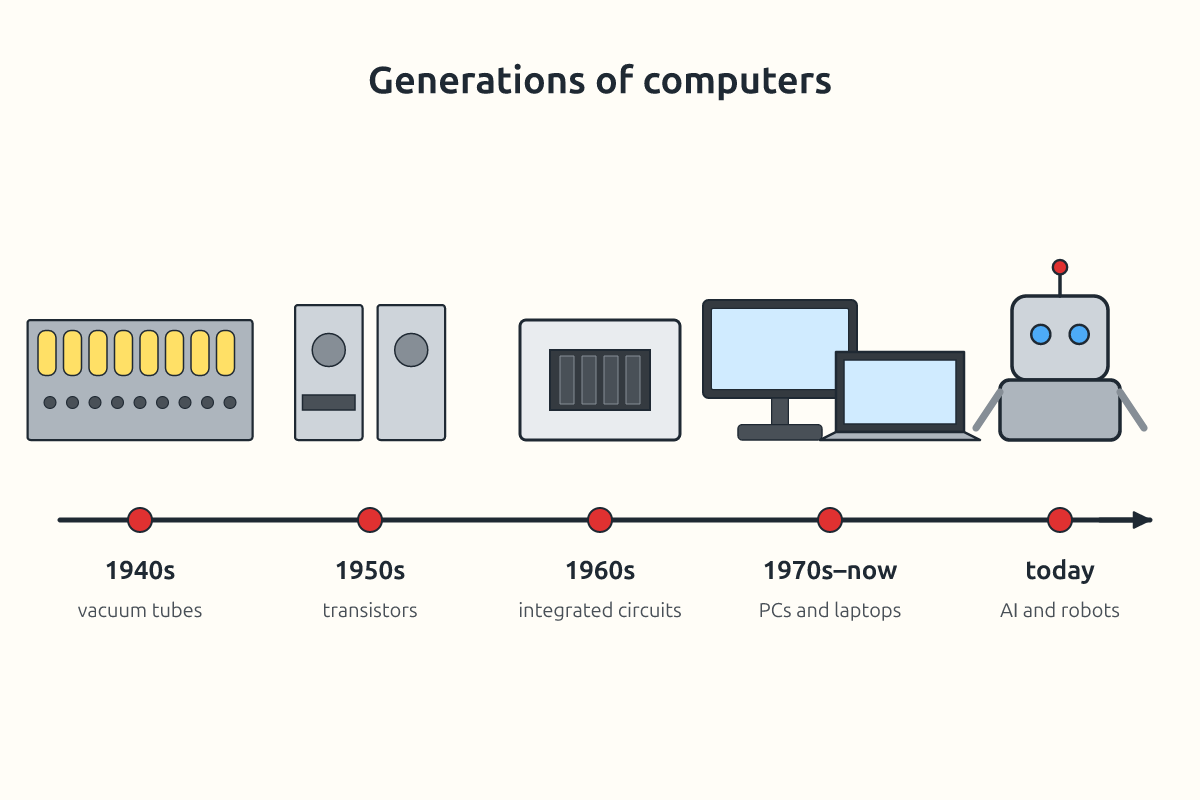
1. Generations of Computers
| Generation | Period (approx.) | Main technology | Features | Example |
|---|---|---|---|---|
| first | 1940s–1956 | vacuum tubes | very large, used lots of power, produced much heat | ENIAC |
| second | 1956–1963 | transistors | smaller, faster, more reliable | IBM 1401 |
| third | 1964–1971 | integrated circuits (chips) | smaller still; keyboards and monitors used | IBM System/360 |
| fourth | 1971–present | microprocessors | personal computers, laptops, phones | desktop PCs, smartphones |
| fifth | present and future | artificial intelligence | computers that learn, understand speech and images | AI assistants, robots |
2. Components of a Computer System
A computer system has three main parts that work together: hardware, software and the user (people).
| Component | Meaning | Examples |
|---|---|---|
| hardware | the physical parts you can touch | monitor, keyboard, system unit, printer |
| software | programs that tell the hardware what to do | Windows, Microsoft Word, games |
| user (liveware) | the person who operates the computer | pupils, teachers, typists |
3. Main Hardware Components
| Part | Function |
|---|---|
| input devices | enter data (keyboard, mouse, scanner, microphone) |
| central processing unit (CPU) | processes data and carries out instructions |
| memory (RAM) | holds data and programs while the computer is on |
| storage (hard disk, SSD, flash drive) | keeps data permanently |
| output devices | show results (monitor, printer, speakers) |
| motherboard | main circuit board connecting all parts |
| power supply unit | provides electricity to the parts |
The CPU is often called the brain of the computer. Inside the system unit you find the motherboard, CPU, RAM, storage drive and power supply unit.
New words
- generation
- A stage in the development of computers.
- vacuum tube
- A glass tube used in the first computers.
- transistor
- A small electronic switch that replaced vacuum tubes.
- integrated circuit
- A chip containing many transistors.
- microprocessor
- A complete CPU on one chip.
- hardware
- The physical parts of a computer.
Summary
- Computers developed through five generations, from vacuum tubes to AI.
- Each generation was smaller, faster and cheaper than the last.
- A computer system has hardware, software and users.
- The CPU processes data; RAM holds it temporarily; storage keeps it.
Class activity: Generation Posters
- Each group researches one generation of computers.
- Make a poster with dates, technology, features and a picture.
- Arrange the posters as a class timeline.
You need: Printed photographs of computer generations, Locally made computer timeline cards, Discarded computer circuit board
Exercises
Answer in your exercise book first, then check your answers.
1. First-generation computers used…
- A. vacuum tubes
- B. microprocessors
- C. AI
- D. transistors
Show answer
Answer: vacuum tubesThey were very large.2. Which generation introduced microprocessors?
- A. Fourth
- B. First
- C. Second
- D. Third
Show answer
Answer: FourthFrom about 1971.3. Programs such as Windows are…
- A. software
- B. hardware
- C. liveware
- D. storage
Show answer
Answer: softwareThey instruct the hardware.4. The CPU is called the brain of the computer.
- A. True
- B. False
Show answer
Answer: TrueIt processes data.5. RAM keeps data permanently after the computer is switched off.
- A. True
- B. False
Show answer
Answer: FalseRAM is temporary.6. The person who operates a computer is the ______.
Show answer
Answer: userAlso called liveware.7. Name the three parts of a computer system with one example each.
Show answer
Answer: Hardware (keyboard), software (Word), user (a pupil).Three parts.8. State two ways computers have changed from the first to the fourth generation.
Show answer
Answer: They became much smaller and faster, and used less power (or cheaper, more reliable).Any two.
Homework
- Ask an adult about the first computer or phone they used and compare it with today's devices.