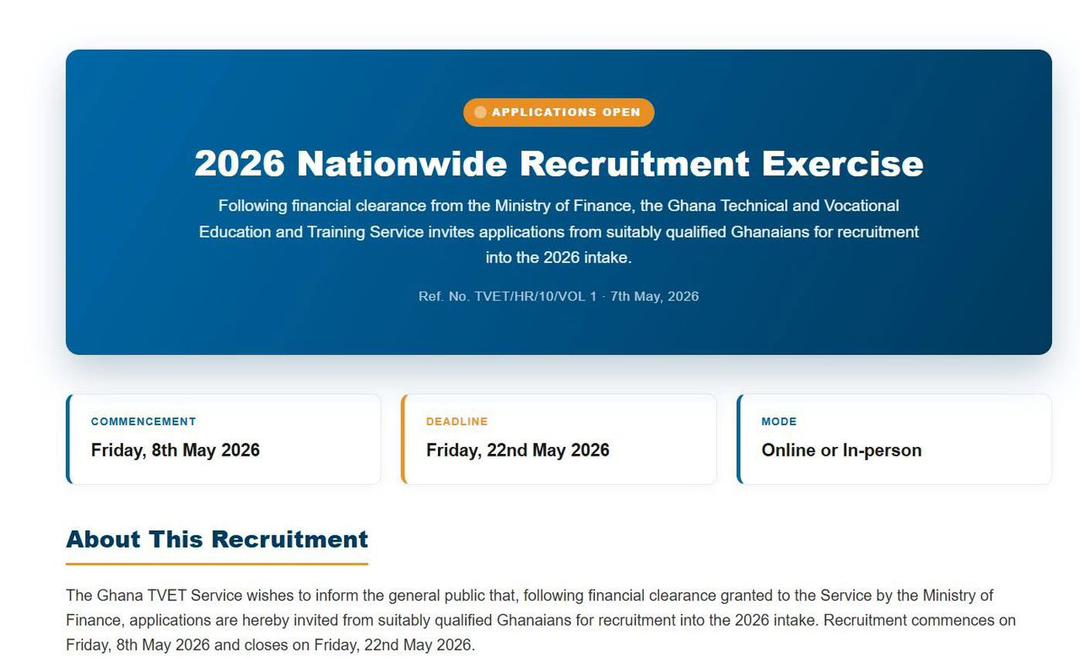
GES Recruitment 2026: Important Application Guide & Warning
⚠️ IMPORTANT NOTICE TO APPLICANTS – GES RECRUITMENT PORTAL (2026 Guide)
If you’re applying through the Ghana Education Service (GES) recruitment portal, there’s one thing you absolutely cannot afford to ignore: your Application ID.
Many applicants are already running into issues simply because they didn’t save it. This guide will help you avoid that mistake and complete your application smoothly.
🔗 Step 1: Use the Correct Portal Link
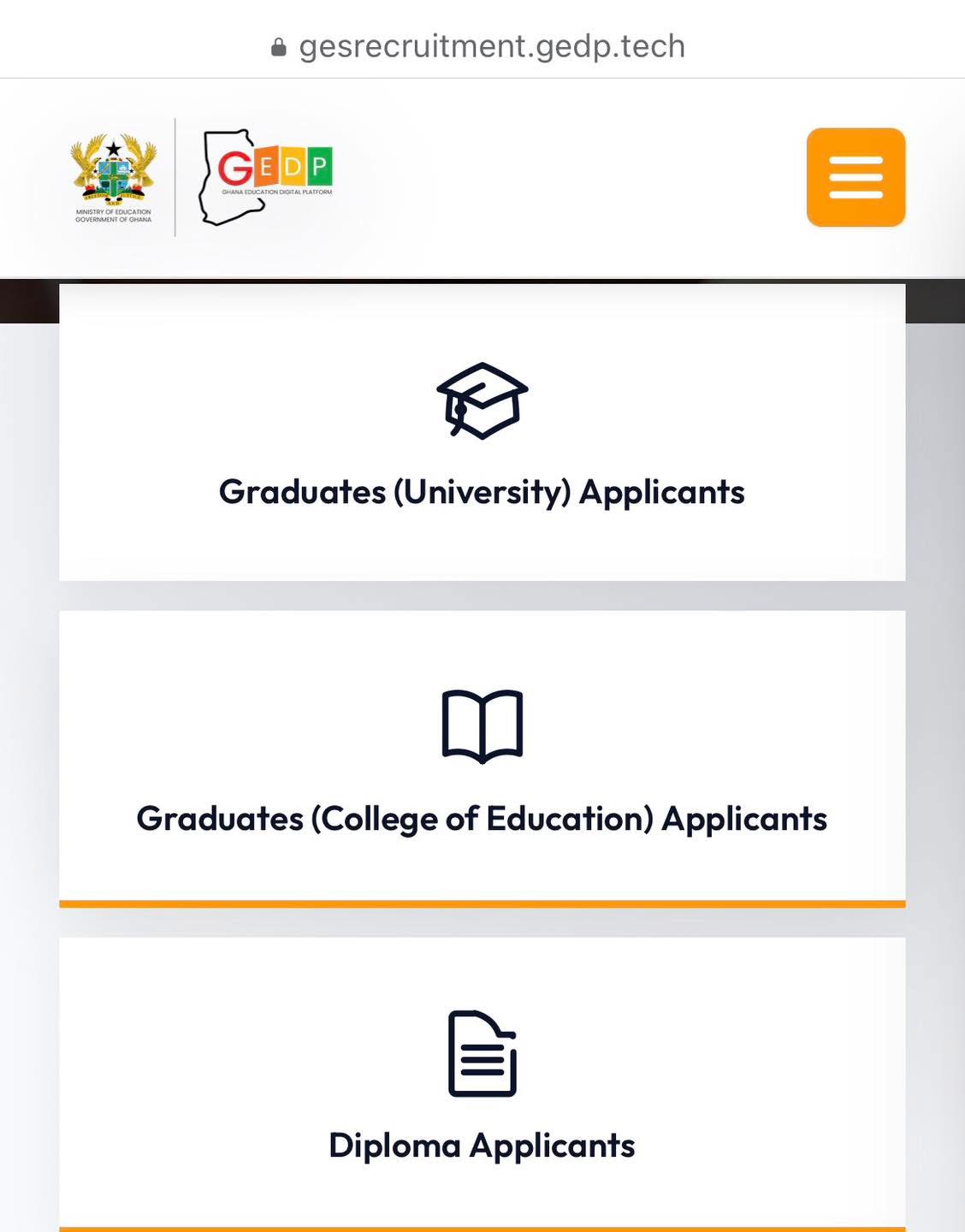
To begin your application, make sure you’re using the official link:
👉 https://bit.ly/GESteacherrecruitment2026
Once the page loads:
- Click on “Sign up here”
- Create your account to start the process
📝 Step 2: Enter Your Basic Details
You’ll be required to provide:
- Your Ghana Card number
- A valid email address
- Your phone number
These details are used to generate your Application ID and track your application.
💥 The MOST IMPORTANT STEP – Save Your Application ID
Before moving forward, the system will generate your Application ID.
⚠️ STOP and save it immediately.
This is not optional.
Why this matters:
If you don’t save your Application ID:
- ❌ You may not be able to log in again
- ❌ You cannot re-register with the same Ghana Card
- ❌ You won’t be able to check your application status
👉 Best practice:
- Take a screenshot
- Write it down
- Save it somewhere safe (Notes, WhatsApp, email, etc.)
🔍 How to Retrieve Your Application ID
If you forgot to save your ID, here’s what you should know:
1. Check Your Email or Phone
The system is supposed to send your Application ID via:
- 📱 SMS
👉 Check:
- Inbox
- Spam/Junk folder
⚠️ However, many applicants are currently not receiving these messages, so don’t rely on this method alone.
2. No “Forgot ID” Option
Normally, systems provide a “Forgot ID/Password” feature.
🚫 Unfortunately, the current GES portal does NOT have this option.
This makes recovering your ID very difficult if you lose it.
🚦 Common Error: “Save Fail”
If you see a “Save Fail” message:
- Don’t panic
- It’s likely due to high traffic on the portal
- Thousands of applicants are accessing the system at the same time
👉 Simply refresh and try again later.
⚠️ Final Advice (Read This Carefully)
- ✅ Do NOT proceed without saving your Application ID
- ✅ Take a screenshot immediately
- ✅ Double-check all your details before moving forward
- ❌ Do NOT rush the process
🧠 Pro Tip
Treat your Application ID like your exam index number — once lost, it becomes a serious problem.
Applying to GES is a big opportunity, so take your time and do it right. A simple mistake like not saving your Application ID could cost you the entire application.